


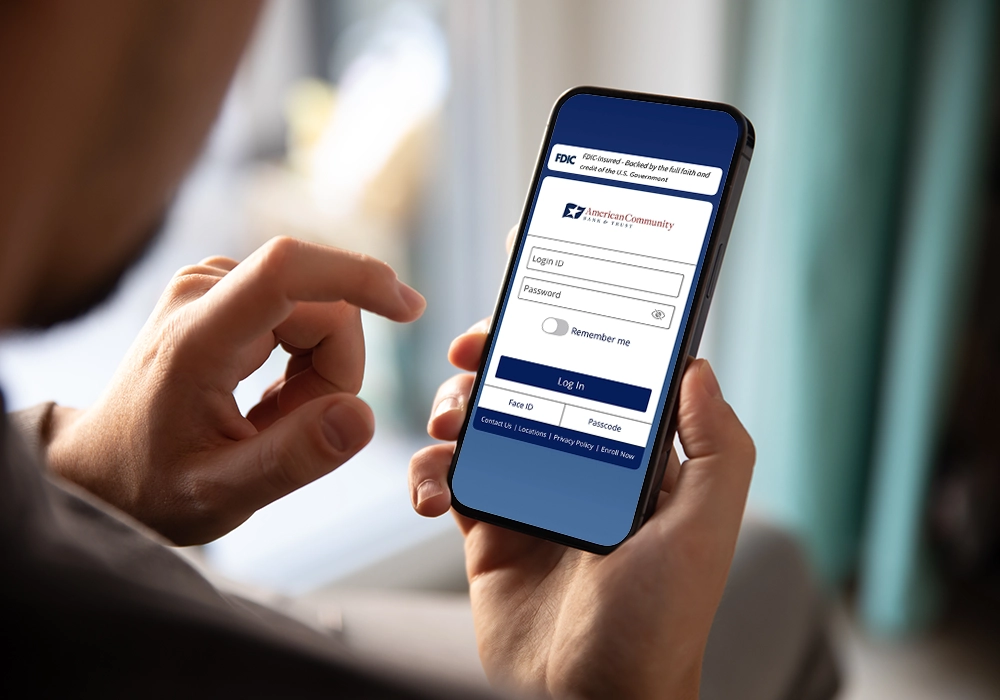
Download the American Community Bank & Trust Mobile Banking App
Enjoy quick, easy access to all of your business and personal bank accounts from your mobile device.
With ACBT's online banking app, you can handle your day-to-day banking anytime from your computer or your phone.
Our digital banking app allows you to:
- Check balances
- Transfer money between accounts
- Pay bills
- View recent transactions
- Deposit checks using your phone


Enroll Now
If you are an existing client new to digital banking with ACBT, here’s how to enroll:
Open the amcombank.com website from a web browser on a desktop or laptop
computer
- Click “Enroll” on the login page
- Follow the steps to set up your account
- Then download the app using one of the following links:
How to Find Our App
In the search bar of your preferred app store, type ACBT.
- Look for the app titled “Amcom Bank.”
- Confirm the app name is “Amcom Bank” and the app icon is blue flag with a star with a white background before downloading.
- Tap Get, then Install.
- Once downloaded, tap Open.
After enrolling in the app via this website on a desktop computer, log in using your Online Banking username and password.
Helpful Tip: Make sure your device is connected to the internet (Wi-Fi or mobile data).
Message and data rates from your mobile carrier may apply.
App store is a service mark of Apple Inc. Android, Google Play, and the Google Play logo are trademarks of Google LLC. Apple and the Apple logo are trademarks of Apple Inc, registered in the U.S. and other countries.